Choosing how to export computational artwork begins with understanding the work, not choosing the most fashionable image format. A composition constructed from straight lines and shapes may preserve its important structure as mathematical descriptions, while a dense image produced by sampling color and texture is naturally represented as pixels. Both approaches can produce convincing images. They have different implications for scaling, transfer size, print preparation and later editing. A practical export workflow recognizes those differences and produces versions suited to specific use rather than relying on one supposedly universal file.
What the generator actually represents
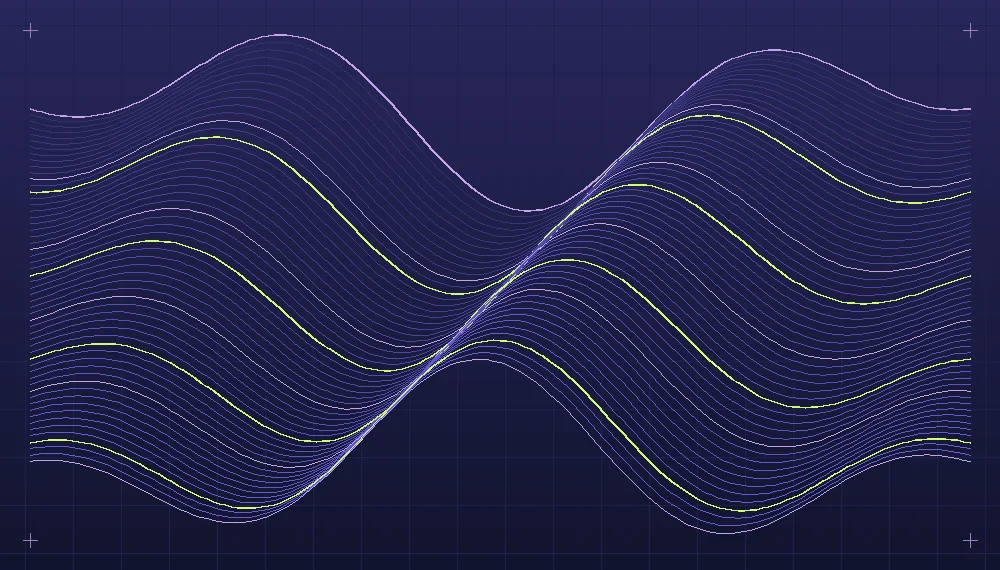
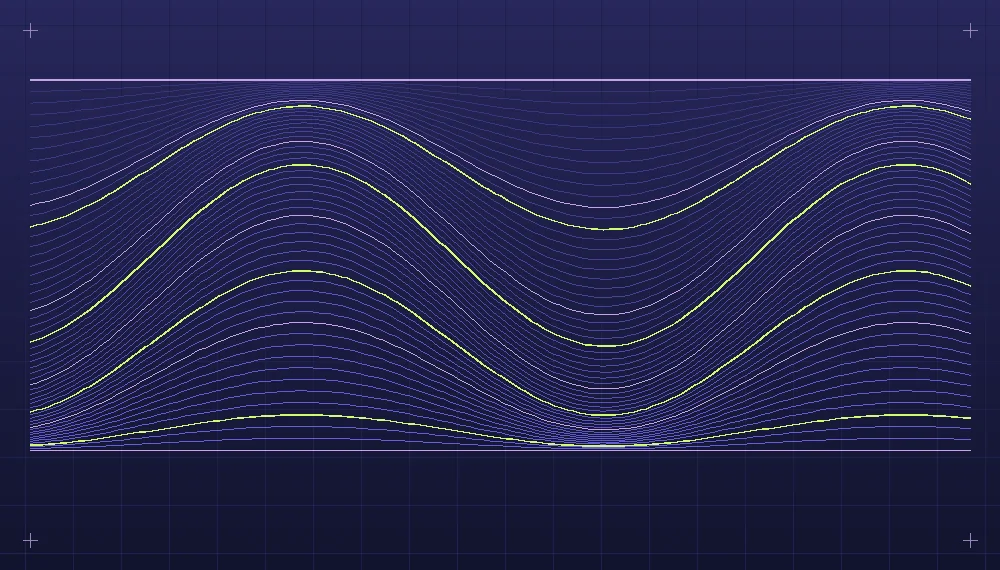
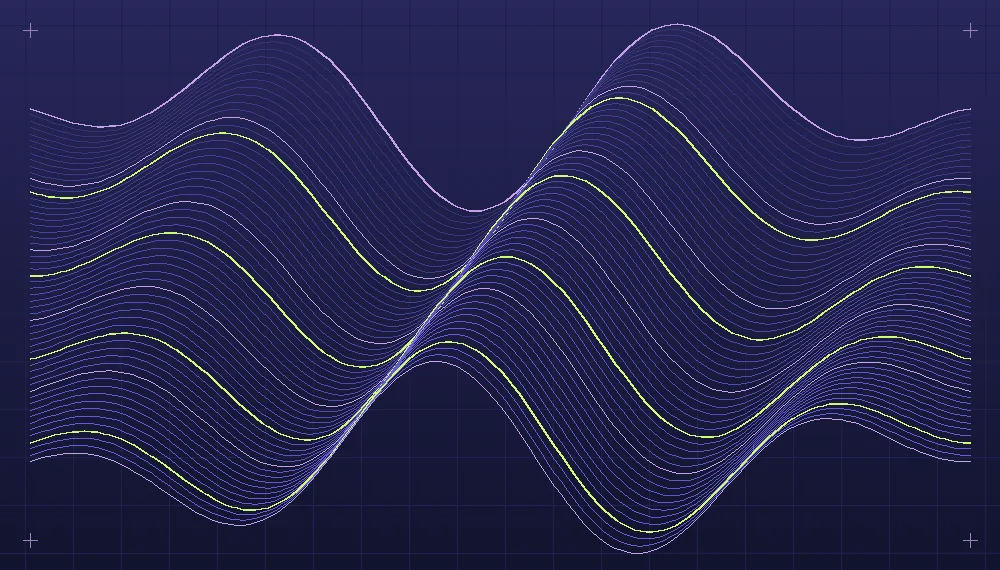
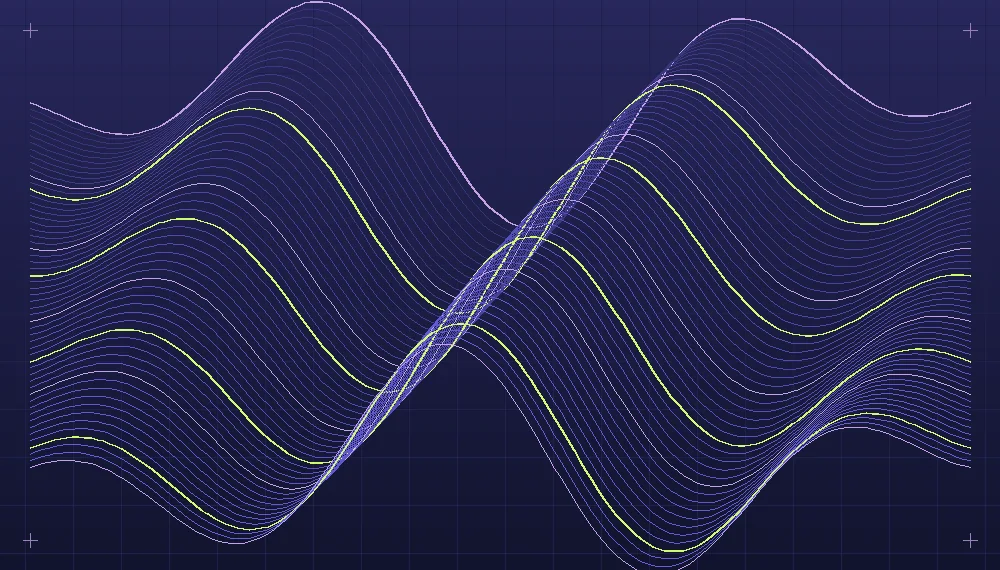
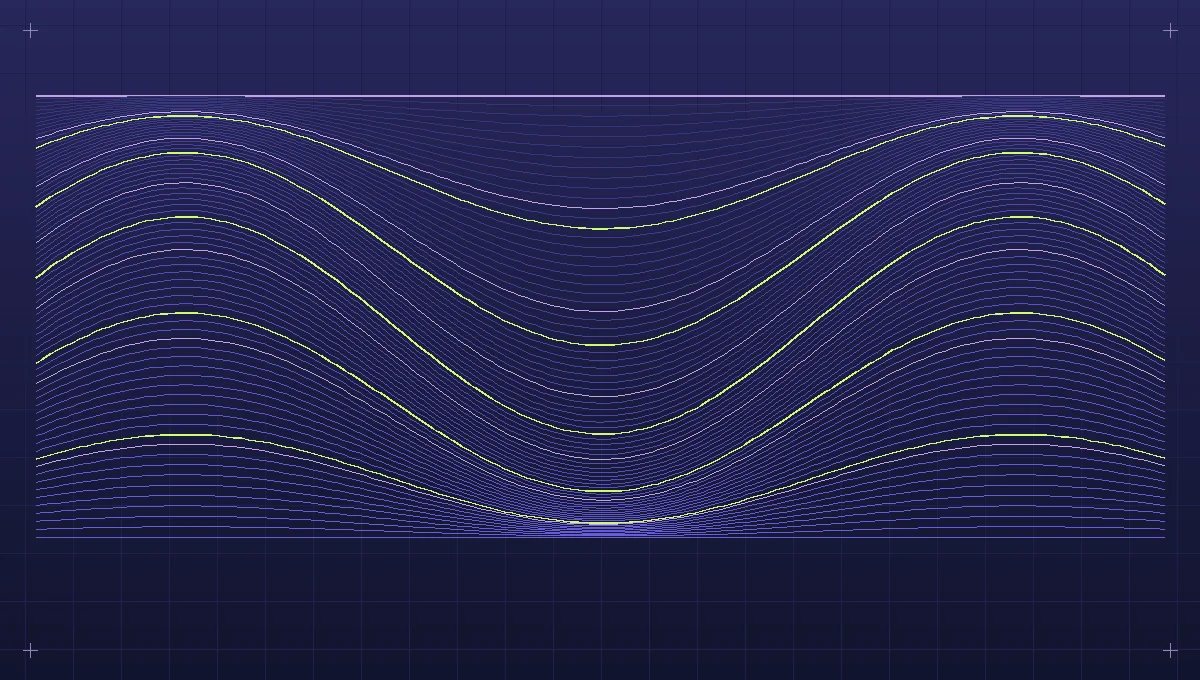
Imagine a drawing consisting of sixty continuous curves. Each curve has a defined path, stroke width and color. The image's information can be described by its coordinates and styling without deciding which individual screen pixels it will occupy. This geometric representation makes it possible to draw the same curve at different output resolutions. A raster export, in contrast, stores a rectangular grid of color values sampled at a particular resolution. Once exported, the grid no longer distinguishes which original path created which pixels. That difference matters if the artist wants to adjust a curve or enlarge the result later.
Other artwork has a more naturally sampled structure. A program that calculates thousands of local color changes to produce a grainy surface may be much more compact as a raster image than as a very large collection of tiny geometric shapes. Treating every colored cell as an independent vector rectangle can produce a complex document with little practical benefit. Likewise, a composition may combine precise geometry with sampled noise or a texture. The right approach might preserve the shapes as editable paths internally and use a raster export for the combined final appearance.
Consider the intended scale and medium
One illustration might be used as a small preview, a large article image and a physical print. A web preview needs enough resolution for its actual display width and typical screen densities. A large print needs a resolution or scalable source appropriate to its physical size and reproduction method. An output prepared for one use is not automatically suitable for another. Start with a record of the target dimensions and the expected viewing distance. For geometry with extremely thin marks, evaluate whether those marks will remain distinguishable when reduced or reproduced physically.
Vector art can be scaled by applying a coordinate transformation before rendering. It avoids the visible pixel enlargement that occurs when an already sampled image is expanded far beyond its original dimensions. Yet scaling does not automatically guarantee an equivalent visual effect. A thin line may become too fine for small reproduction, or a large pattern made of hundreds of detailed objects may need simplification in a thumbnail. A raster version can be prepared specifically for that smaller view, with a carefully adjusted crop or stroke treatment. Those adaptations are design decisions rather than defects of either representation.
Related reading: Designing palettes for algorithmic artwork.
When preparing raster files, select dimensions deliberately. For a preview displayed at 400 pixels wide, an 800-pixel derivative gives additional samples for displays that represent a layout pixel with multiple physical pixels. That is a reasonable experiment, not a universal requirement. An unusually detailed drawing may benefit from more resolution, while clean geometry may remain clear with less. Compare actual output at its intended display size before deciding how many variants the publishing system should deliver.
File size is a property of the real image
A simple shape description can be very small. A document with thousands of individual paths, long coordinate sequences, filters and complex clipping operations can become surprisingly large and time-consuming to display. Raster files also vary: a quiet field with repeated colors can be compact, while detailed random texture contains information that is harder to compress. It is not enough to reason from file extensions alone. Generate a representative sample of each candidate format and record the actual size of the output, including the effect of any compression applied during delivery.
Lossy image compression may be useful for textured or continuous-tone artwork, but can create distracting artifacts around sharp, thin edges. Lossless compression preserves the represented samples, though it may cost more bytes than the intended use can justify. Try a few quality levels on the specific drawing. Examine small highlights, crossings and gradients. If the final design relies on near-uniform layers of color, look for breaks or smudges that were absent in the source. These examples make it easier to choose a setting appropriate to the work rather than adopting an arbitrary identical quality value for an entire collection.
A worked export comparison
Take a procedural drawing built from interleaved curves and a fine background texture. Save the original parameters and render a reference image large enough to inspect at close range. Then create an export containing the geometry in a scalable path representation, temporarily omitting the texture if it cannot be represented efficiently in the same format. Create compressed raster versions for a large project view and for the small archive preview. Label each output by purpose and record its dimensions and file size. This first comparison establishes the practical options before selecting a preferred publication format.
Inspect the scalable geometry at several sizes. In the small view, note whether the original line hierarchy remains legible. In the large view, look at joins, curves and clipping at the canvas edge. Now inspect the raster versions at their actual target sizes. Does the texture contribute enough to justify the larger file? Have adjacent colored strands become mixed or distorted during compression? If a large raster contains more detail than the page can show, try a smaller derivative. If the vector version is inconveniently complex, test a streamlined representation or retain it only as a working source.
A reasonable final arrangement might retain the original construction record and an editable geometry file for future variations, preserve a high-quality raster master including the texture, and serve smaller compressed raster derivatives on the website. Another work consisting of simple solid shapes might be published directly as scalable geometry. The project's chosen method should reflect which features viewers need to see and which parts the artist may want to change later. No one format has to serve both purposes.
Transparency deserves an explicit check as well. A composition prepared against one dark background may contain partially transparent edges that look different when placed over a pale surface. Test the intended surrounding background and specify whether transparent regions or a solid ground are part of the selected export.
Keep export derivatives apart from the source
Name each file or record clearly enough to distinguish the source, master, preview and detail export. Include the dimensions where they are useful, maintain a reliable link from the derivative to the composition's source, and avoid making an already heavily reduced preview the basis for another large export. When a generator is capable of drawing at multiple sizes, use the original construction information to produce a new derivative when practical. If edits are applied after generation, preserve a master that includes those edits as well. That protects the artistic intention independently of the continued availability of the generator.
Finish by testing the actual presentation, not only the individual image. Load several pieces together on the intended page, inspect layout stability and consider how a visitor will reach the full view. For printing, check an appropriate proof rather than relying on a browser screenshot. Useful export choices are those that preserve the relevant qualities of the work where it will be encountered, while retaining the information needed for future artistic changes. A well-prepared image family reflects that goal whether its members are paths, pixels or a combination of both.
Explore the implementation area: Artificial art and generative design.